Source: View original notebook on GitHub
Category: Python / 1 Learn Python
Errors and Exception Handling
In this lecture we will learn about Errors and Exception Handling in Python. You've definitely already encountered errors by this point in the course. For example:
print('Hello)
Output:
SyntaxError: EOL while scanning string literal (<ipython-input-14-db8c9988558c>, line 1)
Note how we get a SyntaxError, with the further description that it was an EOL (End of Line Error) while scanning the string literal. This is specific enough for us to see that we forgot a single quote at the end of the line. Understanding these various error types will help you debug your code much faster.
This type of error and description is known as an Exception. Even if a statement or expression is syntactically correct, it may cause an error when an attempt is made to execute it. Errors detected during execution are called exceptions and are not unconditionally fatal.
You can check out the full list of built-in exceptions here. Now let's learn how to handle errors and exceptions in our own code.
try and except
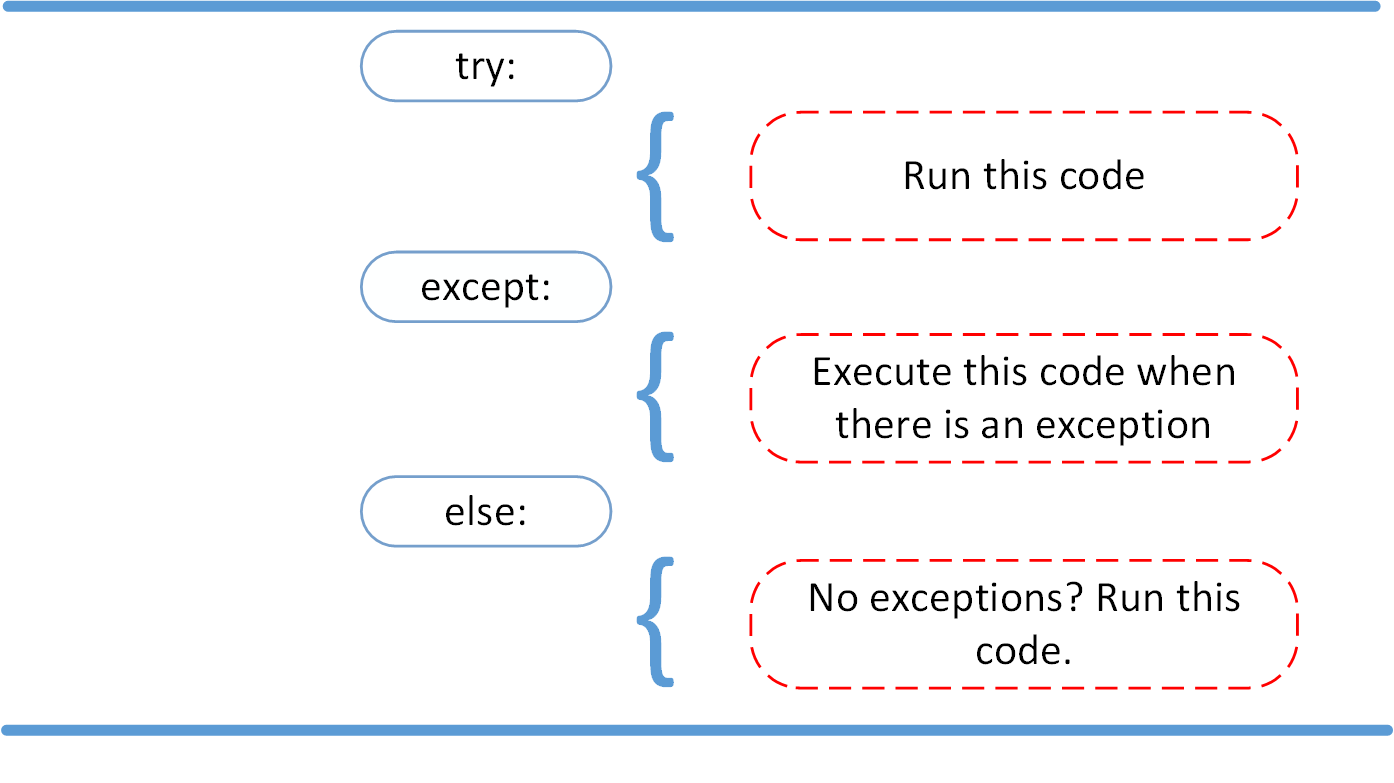
The basic terminology and syntax used to handle errors in Python are the <code>try</code> and <code>except</code> statements. The code which can cause an exception to occur is put in the <code>try</code> block and the handling of the exception is then implemented in the <code>except</code> block of code. The syntax follows:
try:
   You do your operations here...
   ...
except ExceptionI:
   If there is ExceptionI, then execute this block.
except ExceptionII:
   If there is ExceptionII, then execute this block.
   ...
else:
   If there is no exception then execute this block.
We can also just check for any exception with just using <code>except:</code> To get a better understanding of all this let's check out an example: We will look at some code that opens and writes a file:
try:
    f = open('testfile','w')
    f.write('Test write this')
except IOError:
    # This will only check for an IOError exception and then execute this print statement
    print("Error: Could not find file or read data")
else:
    print("Content written successfully")
    f.close()
Output:
Content written successfully
Now let's see what would happen if we did not have write permission (opening only with 'r'):
try:
    f = open('testfile','r')
    f.write('Test write this')
except IOError:
    # This will only check for an IOError exception and then execute this print statement
    print("Error: Could not find file or read data")
else:
    print("Content written successfully")
    f.close()
Output:
Error: Could not find file or read data
Great! Notice how we only printed a statement! The code still ran and we were able to continue doing actions and running code blocks. This is extremely useful when you have to account for possible input errors in your code. You can be prepared for the error and keep running code, instead of your code just breaking as we saw above.
We could have also just said <code>except:</code> if we weren't sure what exception would occur. For example:
try:
    f = open('testfile','r')
    f.write('Test write this')
except:
    # This will check for any exception and then execute this print statement
    print("Error: Could not find file or read data")
else:
    print("Content written successfully")
    f.close()
Output:
Error: Could not find file or read data
Great! Now we don't actually need to memorize that list of exception types! Now what if we kept wanting to run code after the exception occurred? This is where <code>finally</code> comes in.
finally
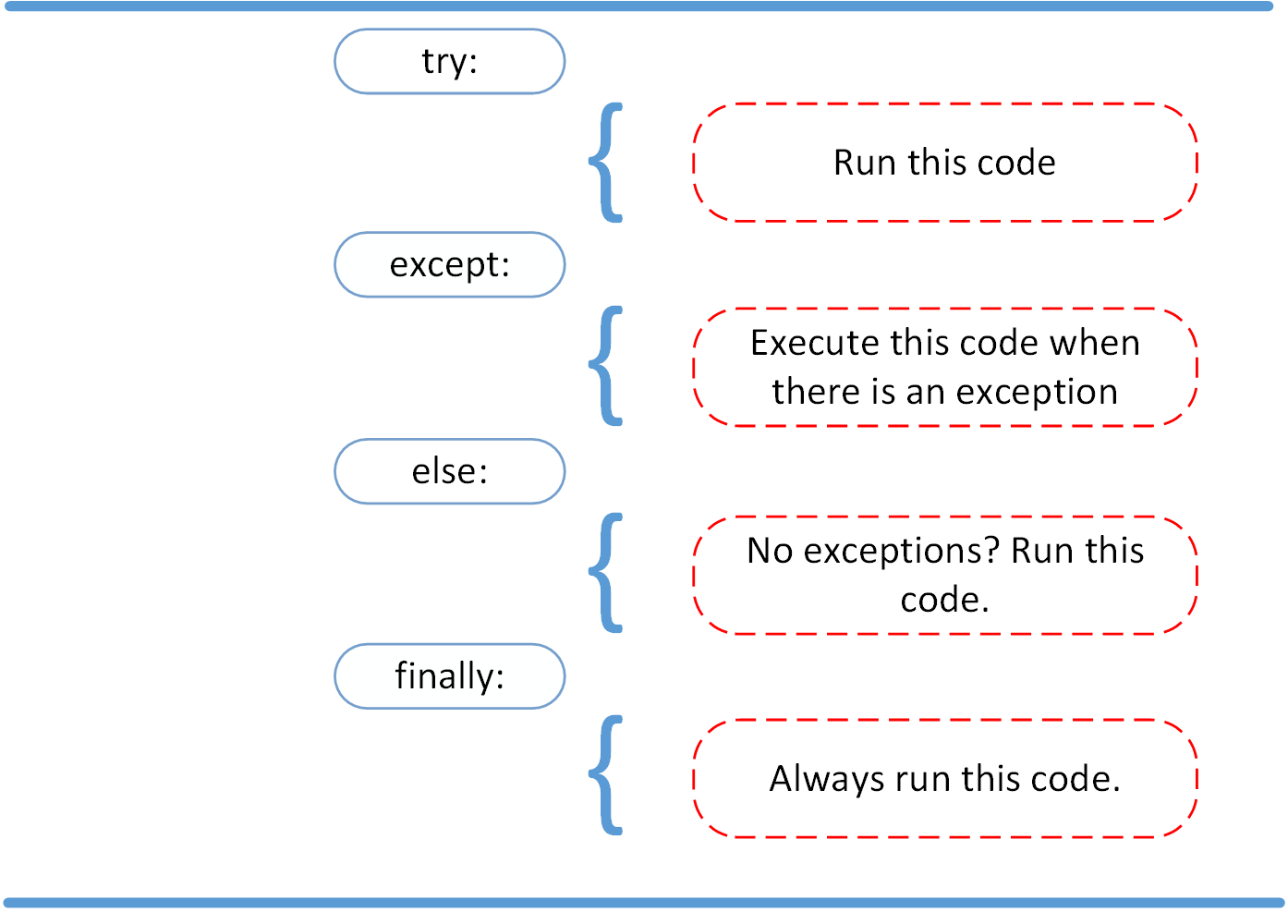
The <code>finally:</code> block of code will always be run regardless if there was an exception or any return/break/continue/pass e.t.c. statement occured in the <code>try</code> code block. The syntax is:
try:
   Code block here
   ...
   Due to any exception, this code may be skipped!
finally:
   This code block would always be executed.
For example:
try:
    f = open("testfile", "w")
    f.write("Test write statement")
    f.close()
finally:
    print("Always execute finally code blocks")
Output:
Always execute finally code blocks
We can use this in conjunction with <code>except</code>. Let's see a new example that will take into account a user providing the wrong input:
def askint():
    try:
        val = int(input("Please enter an integer: "))
    except:
        print("Looks like you did not enter an integer!")

    finally:
        print("Finally, I executed!")
    print(val)
askint()
Output:
Please enter an integer: four
Looks like you did not enter an integer!
Finally, I executed!
UnboundLocalError: local variable 'val' referenced before assignment
askint()
Output:
Please enter an integer: 4
Finally, I executed!
4
Notice how we got an error when trying to print val (because it was never properly assigned). Let's remedy this by asking the user and checking to make sure the input type is an integer:
def askint():
    try:
        val = int(input("Please enter an integer: "))
    except:
        print("Looks like you did not enter an integer!")
        val = int(input("Try again-Please enter an integer: "))
    finally:
        print("Finally, I executed!")
    print(val)
askint()
Output:
Please enter an integer: four
Looks like you did not enter an integer!
Try again-Please enter an integer: five
Finally, I executed!
ValueError: invalid literal for int() with base 10: 'five'
Hmmm...that only did one check. How can we continually keep checking? We can use a while loop!
def askint():
    while True:
        try:
            val = int(input("Please enter an integer: "))
        except:
            print("Looks like you did not enter an integer!")
            continue
        else:
            print("Yep that's an integer!")
            break
        finally:
            print("Finally, I executed!")
        print(val)
askint()
Output:
Please enter an integer: four
Looks like you did not enter an integer!
Finally, I executed!
Please enter an integer: four
Looks like you did not enter an integer!
Finally, I executed!
Please enter an integer: four
Looks like you did not enter an integer!
Finally, I executed!
Please enter an integer: 4
Yep that's an integer!
Finally, I executed!
So why did our function print "Finally, I executed!" after each trial, yet it never printed val itself? This is because with a try/except/finally clause, any <code>continue</code> or <code>break</code> statements are reserved until after the try clause is completed. This means that even though a successful input of 3 brought us to the <code>else:</code> block, and a <code>break</code> statement was thrown, the try clause continued through to <code>finally:</code> before breaking out of the while loop. And since <code>print(val)</code> was outside the try clause, the <code>break</code> statement prevented it from running.
Let's make one final adjustment:
def askint():
    while True:
        try:
            val = int(input("Please enter an integer: "))
        except:
            print("Looks like you did not enter an integer!")
            continue
        else:
            print("Yep that's an integer!")
            print(val)
            break
        finally:
            print("Finally, I executed!")
askint()
Output:
Please enter an integer: four
Looks like you did not enter an integer!
Finally, I executed!
Please enter an integer: five
Looks like you did not enter an integer!
Finally, I executed!
Please enter an integer: ewf
Looks like you did not enter an integer!
Finally, I executed!
Please enter an integer: a
Looks like you did not enter an integer!
Finally, I executed!
Please enter an integer: 4
Yep that's an integer!
4
Finally, I executed!
Great! Now you know how to handle errors and exceptions in Python with the try, except, else, and finally notation!
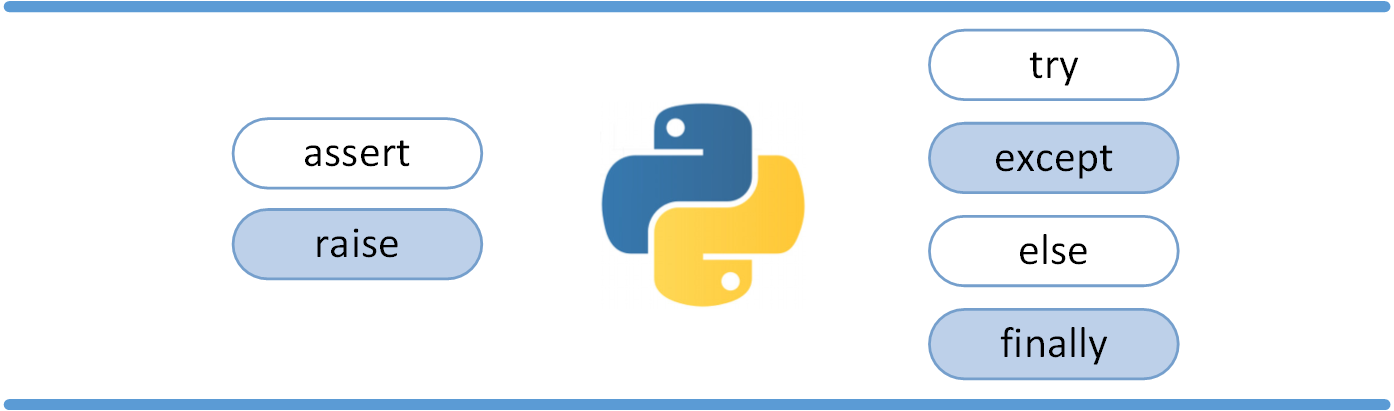
assert
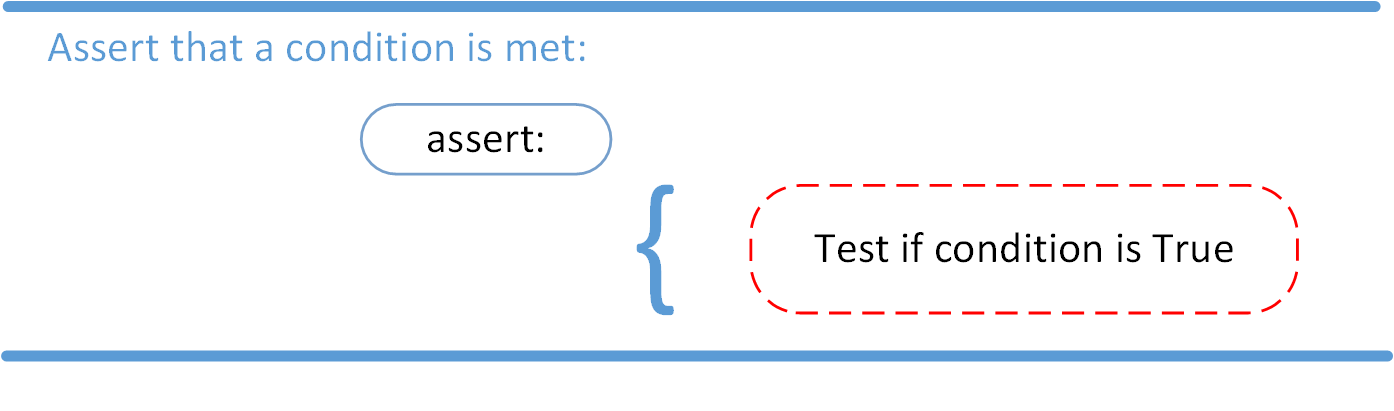
The syntax for assert is:
assert Expression[, Arguments]
We assert that a certain condition is met. If this condition turns out to be True, then that is excellent! The program can continue. If the condition turns out to be False, you can have the program throw an AssertionError exception.
Have a look at the following example, where it is asserted that the code will be executed on a Linux system:
import sys
assert ('linux' in sys.platform), "This code runs on Linux only."
If you run this code on a Linux machine, the assertion passes. If you were to run this code on a Windows machine, the outcome of the assertion would be False and the result would be the following:

Traceback (most recent call last):
  File "<input>", line 2, in <module>
AssertionError: This code runs on Linux only.
In this example, throwing an AssertionError exception is the last thing that the program will do
Raising an Exception
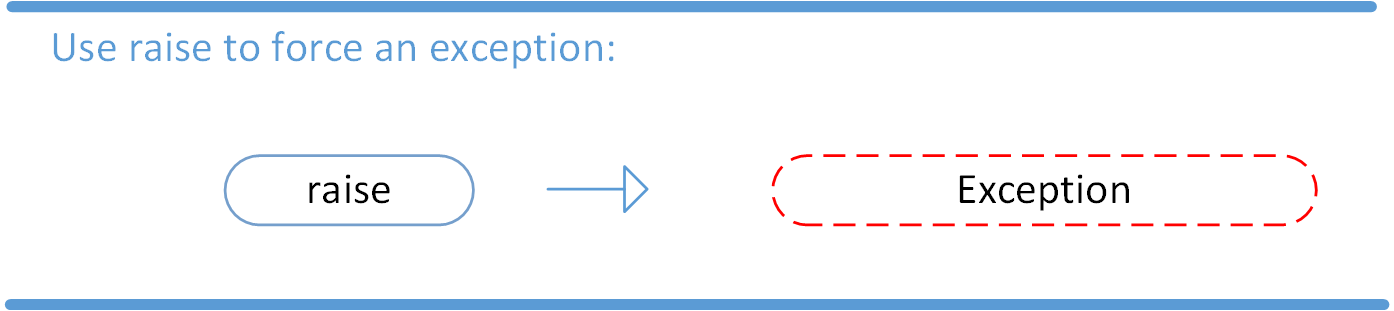
We can use raise to throw an exception if a condition occurs. The statement can be complemented with a custom exception.
If you want to throw an error when a certain condition occurs using raise, you could go about it like this:
x = 10
if x > 5:
    raise Exception('x should not exceed 5. The value of x was: {}'.format(x))
When you run this code, the output will be the following:

Traceback (most recent call last):
  File "<input>", line 4, in <module>
Exception: x should not exceed 5. The value of x was: 10
The program comes to a halt and displays our exception to screen, offering clues about what went wrong.